Find what's eating your disk.
Disklens maps every folder on your Windows drive, tells you what each one is, and clears only what is safe to clear.
Windows 10 and 11 · 2.4 MB · No account, no telemetry
Try it: click a tile to clear it
Features
One question per tab.
Where did the space go, what is it, and can it go? Disklens answers each one in its own place.
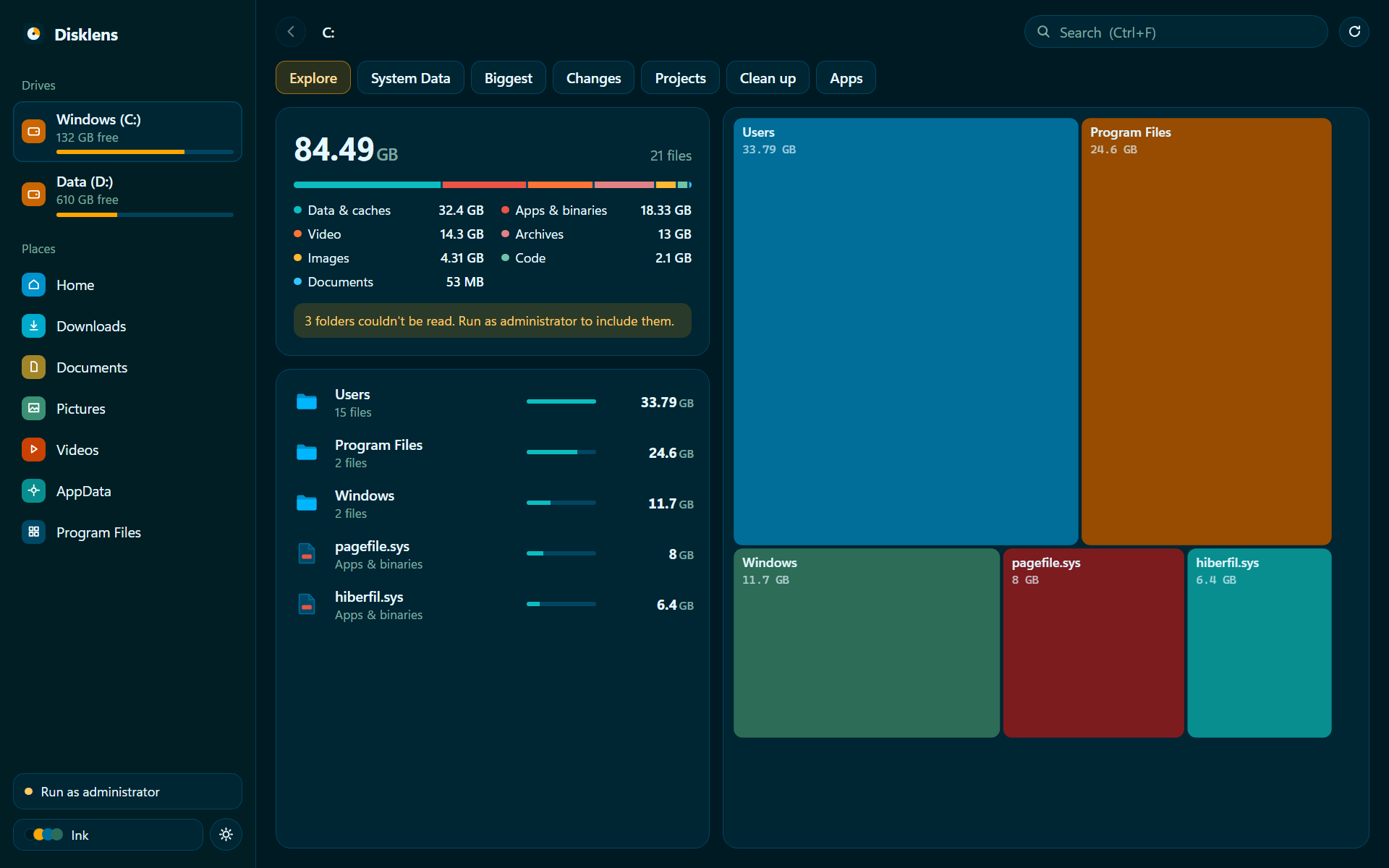
Explore
Every folder on a treemap, sized by what it really takes on disk. Scans are saved and stay current while you work.
treemap · file types · instant reopen
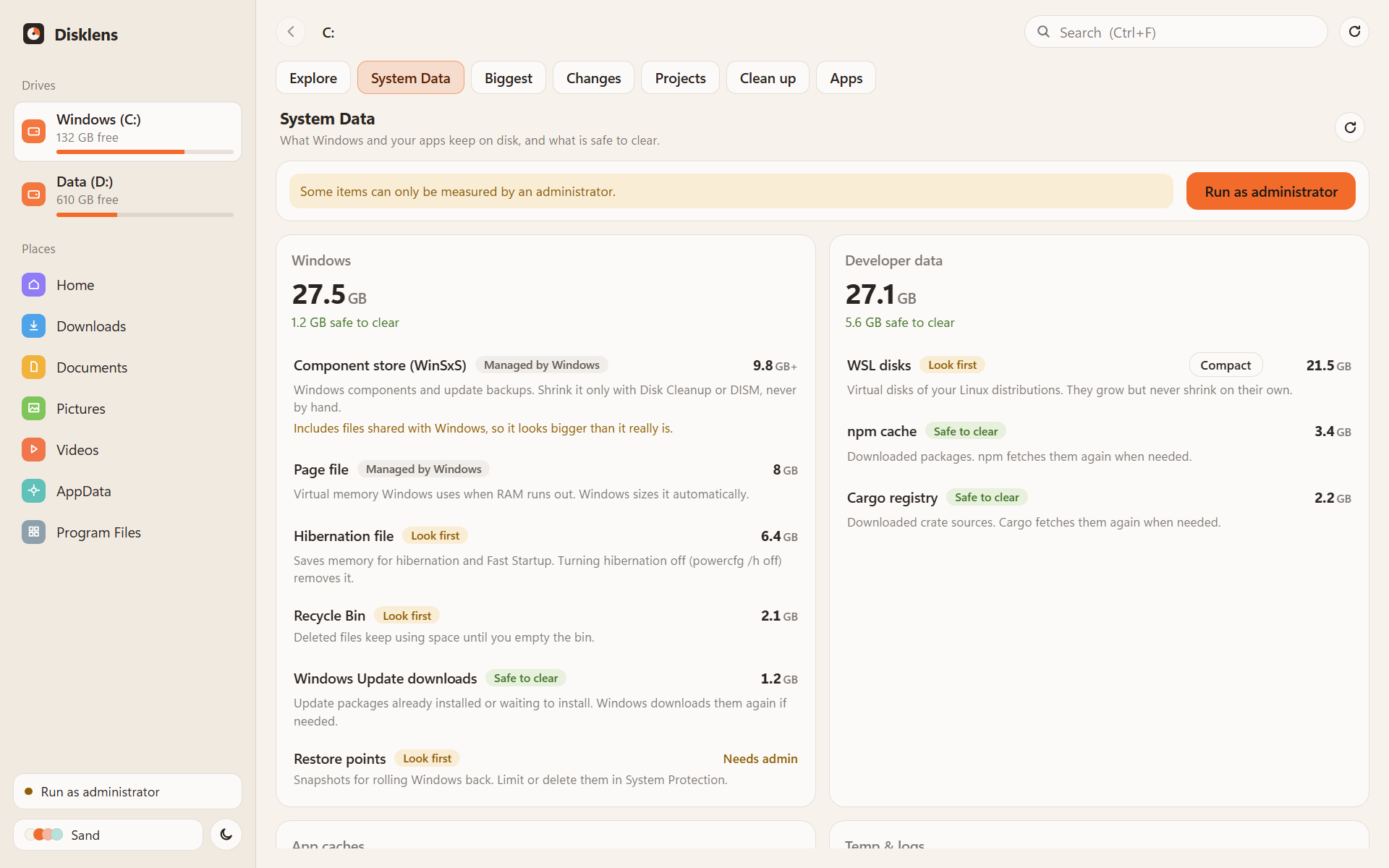
System Data
The hidden space, named: each item says whether it is safe to clear, worth a look first, or managed by Windows.
WinSxS · hiberfil.sys · WSL disks
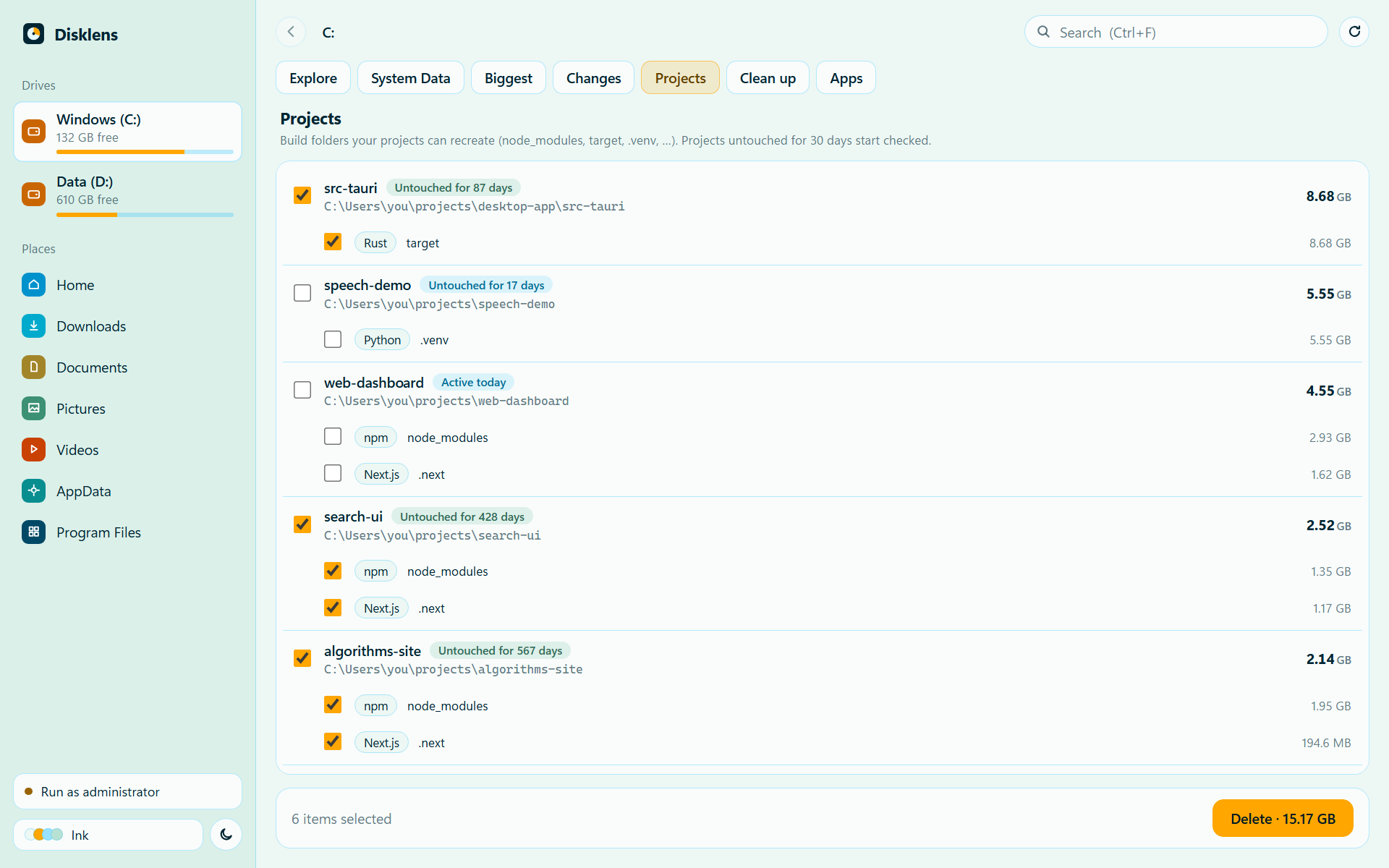
Projects
Build folders from projects you left behind, with how long each one has been untouched.
node_modules · target · .venv · .next
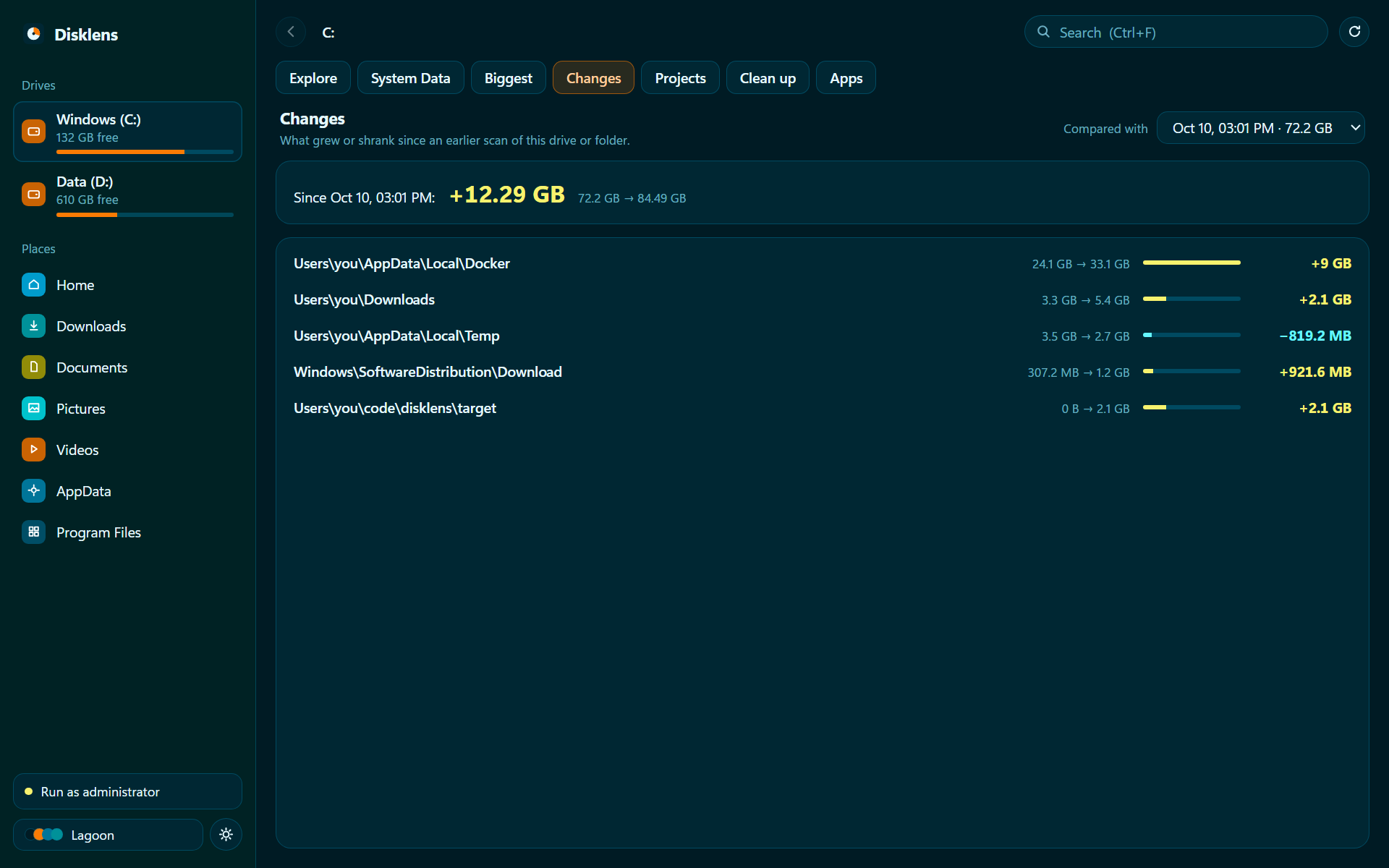
Changes
What grew or shrank since an earlier scan, down to the folders that explain it.
Docker +9 GB · Downloads +2.1 GB
Clean up
Safe-to-clear caches and temp folders in one checklist. Apps that are open are left alone.
temp · update downloads · caches
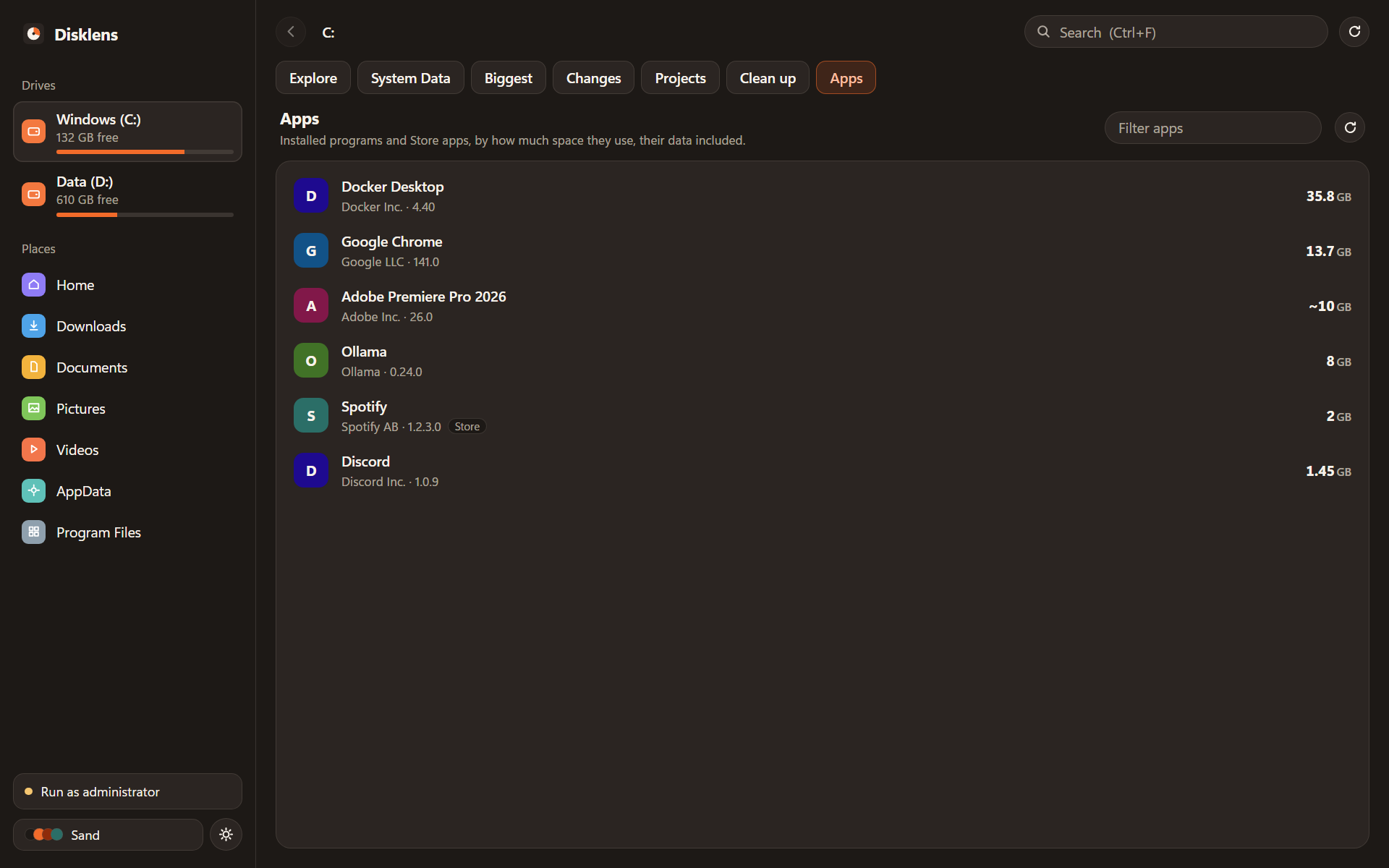
Apps
Installed programs and Store apps by their real footprint, data folders included. Uninstall, then remove what they left.
programs · Store apps · leftovers
The app
Built for Windows, from the drive up.
A Rust scanner reads your drive in parallel and saves each scan, so it opens instantly next time and keeps itself current while you work. Sand, Ink and Lagoon themes, in light and dark.
Drag the cards, or wait for the next one.
Safety
It deletes things. Carefully.
Everything runs on your PC. No account, no telemetry, nothing is uploaded.
Recycle Bin first
Clean up and app leftovers go to the Recycle Bin. Windows asks before anything too big for it.
Protected folders stay put
Drive roots, Windows, Program Files, your user folder, AppData and the folders that hold them are never touched.
Links are never followed
Junctions and symbolic links are skipped, so shared stores like pnpm's stay intact.
Only what you were shown
The backend refuses any path it did not offer you, and open apps are skipped.
Get your space back.
Free, open source, and about a minute to install.
The installer isn't code-signed yet, so Windows may warn you: choose More info → Run anyway.